01
Lead capture
Collect leads from forms, WhatsApp, website assistants, email, calls, spreadsheets, or other entry points.
Ready-to-install AI system
A lead pipeline automation system that captures incoming opportunities, qualifies them, routes them, and creates follow-up so leads do not disappear between tools.
Lead Pipeline Automation walkthrough
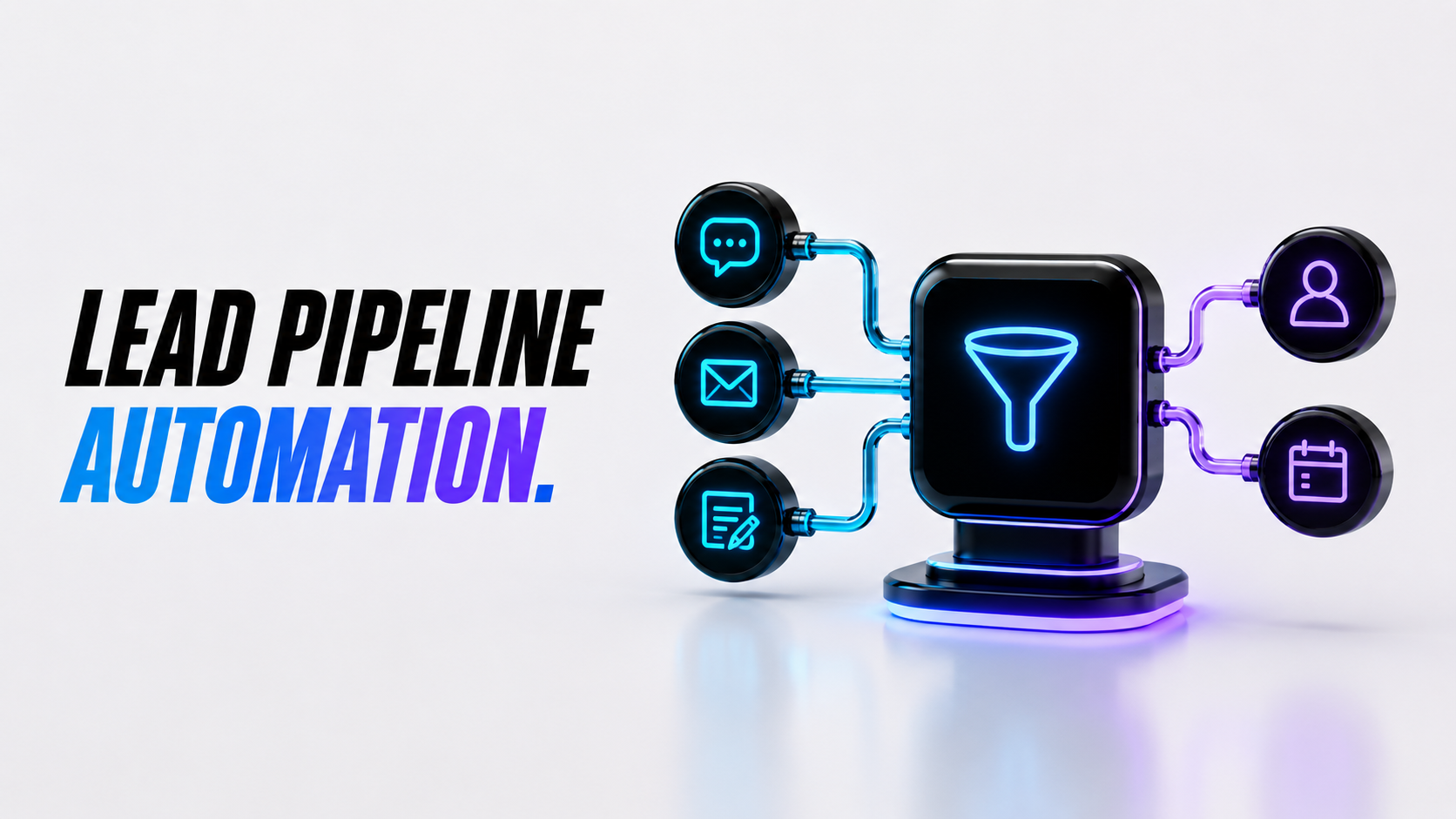
A static walkthrough of how lead sources, qualification rules, CRM stages, notifications, and follow-up connect before your team starts using the system.
What gets installed
A lead pipeline should make every opportunity easier to see, qualify, assign, and follow up. This build connects the first lead source to the next action so your team knows what matters and what needs attention.
Collect leads from forms, WhatsApp, website assistants, email, calls, spreadsheets, or other entry points.
Sort leads by service need, fit, urgency, source, value, location, or next best action.
Send the right lead to the right person, stage, inbox, calendar path, or CRM owner.
Create reminders, next steps, handoff notes, and status updates instead of relying on memory.
See where leads enter, which ones are warm, who owns them, and where they are getting stuck.
Keep context attached so a lead can move from capture to call, quote, booking, or follow-up.
Why it matters
Most missed sales opportunities are not lost because the team does not care. They are lost because the source, owner, status, urgency, and next step are unclear. This system gives every lead a visible path from first contact to follow-up.
The process
Identify where leads enter, what details are missing, who owns them, and how follow-up currently happens.
Create simple rules for stage, source, urgency, fit, status, owner, next action, and escalation.
Connect forms, CRM, sheets, email, WhatsApp, notifications, website assistant, or task tools.
Test urgent leads, low-fit leads, missing details, repeat leads, handoffs, notifications, and reminders.
Review real lead behavior and refine scoring, routing, stages, notifications, and follow-up timing.
Build options
Start with the cleanest lead pipeline your business needs now, then expand once the first automation is live.
Launch discount applied this month.
Best for one clear lead pipeline that captures opportunities, organises key details, and creates a cleaner next step.
For teams that need lead scoring, follow-up tasks, alerts, CRM updates, and a clearer view of sales opportunities.
For businesses with multiple lead sources, teams, stages, locations, dashboards, CRMs, or multi-channel follow-up logic.
Limited bonus
Book your demo this week and we will map the first lead pipeline your business should automate: where leads enter, what details to capture, how to qualify them, who should own them, and what follow-up should happen next.
Proof it works

The pipeline finally showed where enquiries were going. We could see the source, owner, status, and next step without checking three places.
The best part was the routing. Warm leads stopped sitting in an inbox because the system created a next action immediately.
It made follow-up feel much less random. Leads were sorted by fit and urgency, then handed to the right person with context.
Before this, we had no clear view of which leads were active. The pipeline map made the gaps obvious and fixable.
The lead summaries helped the team respond with the right context instead of asking the same questions again.
It felt built around our sales process, not a generic CRM setup. Simple enough to launch and specific enough to be useful.
Common questions
It captures leads from your key sources, organises their details, qualifies them, routes them to the right owner or stage, and creates follow-up so opportunities do not disappear.
Yes. It can connect with a CRM, spreadsheet, email, forms, WhatsApp, website assistant, calendar, or task tool depending on your current setup and access.
Yes. We can create simple rules around fit, urgency, service need, budget signal, location, source, or next best action.
Yes. Intake questions, notifications, summaries, and follow-up messages can be prepared for English, Spanish, or bilingual teams.
The build price is separate from monthly CRM tools, automation tools, AI usage, email, WhatsApp, forms, dashboards, or other third-party services. We confirm expected monthly costs before build.
No. We can start with a simple pipeline: new lead, qualified lead, follow-up needed, booked, won, lost, or whatever stages match your business.
Ready to start?
Book a free demo and we will show you the first lead pipeline your business should automate.